Educational content and discovery
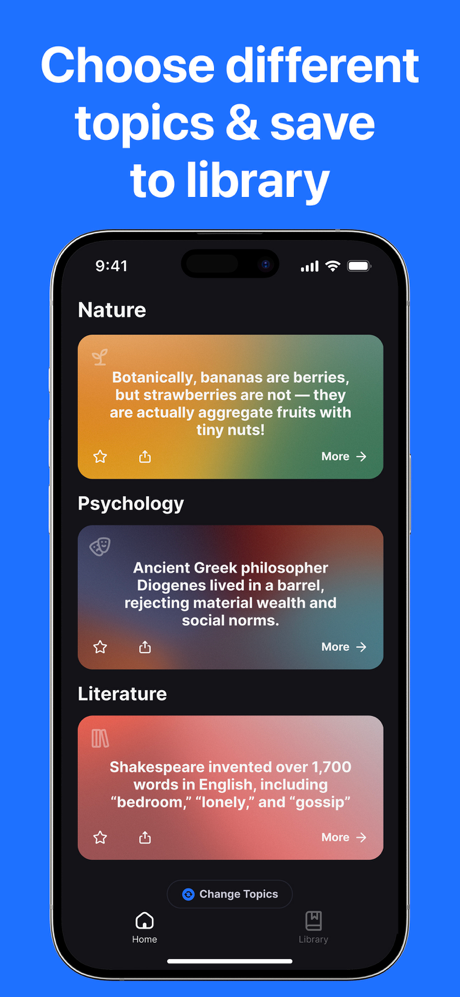
Learny is a microlearning application with more than 10,000 educational content items.
I developed features for browsing topics, exploring the catalog, navigating lessons, and presenting interactive educational material. The content model needed enough flexibility for different lesson formats and catalog configurations.
I also worked on local storage, caching, content prefetching, and the organization of educational materials so the experience could work with prepared content.
The learning experience combines thematic discovery, a structured catalog, progress indicators, and step-by-step lesson presentation.
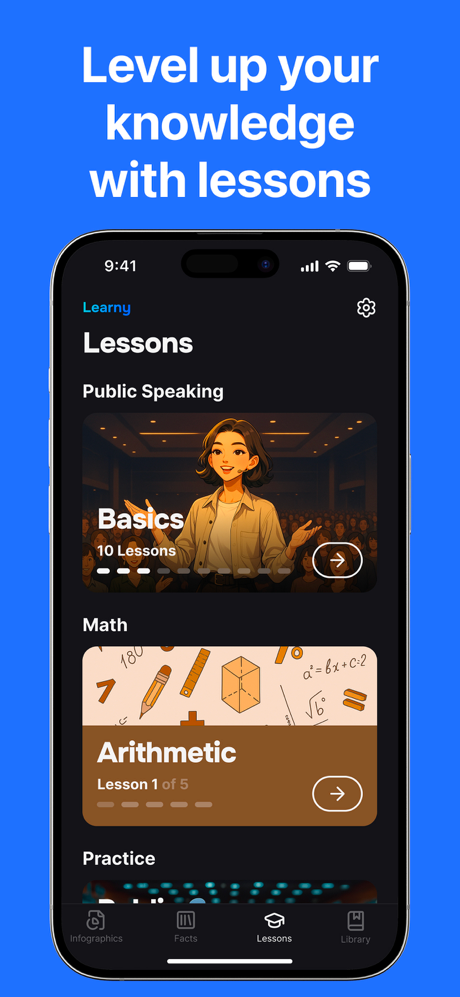
Lesson navigation and interactive content
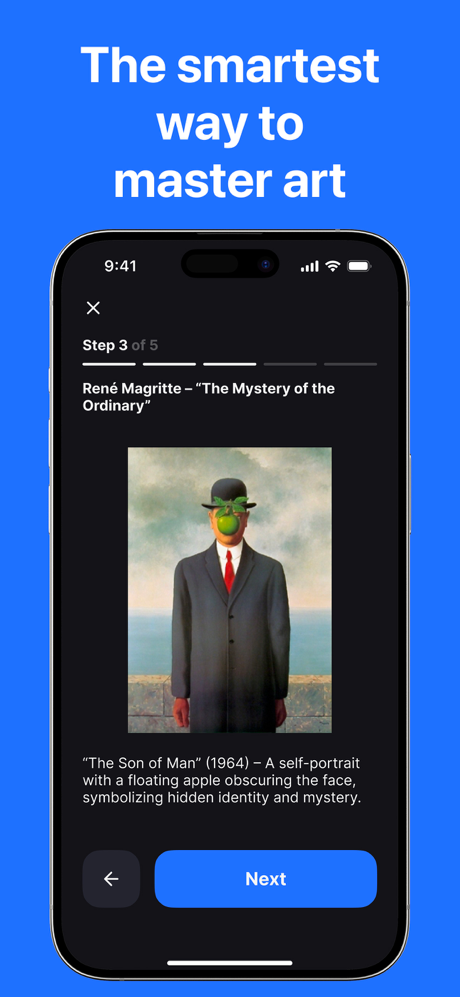
I worked on lesson interfaces that combined subject content, progress indicators, interactive infographics, and clear navigation controls.
The presentation had to support different educational formats while keeping each lesson easy to follow.
Native Home Screen widgets
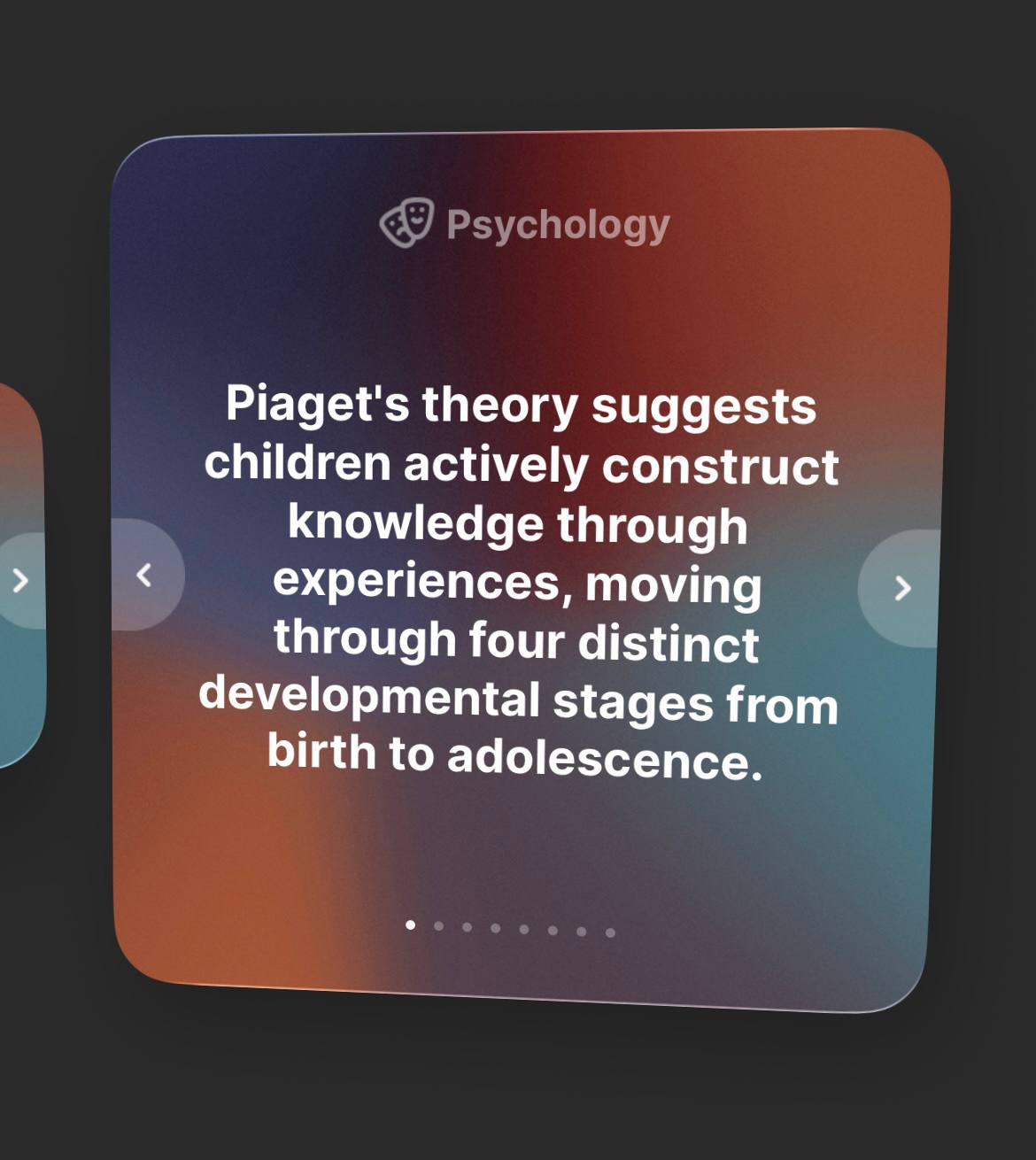
I developed interactive widgets in Swift for iOS and Kotlin for Android, then connected them to the Flutter application through the home_widget package.
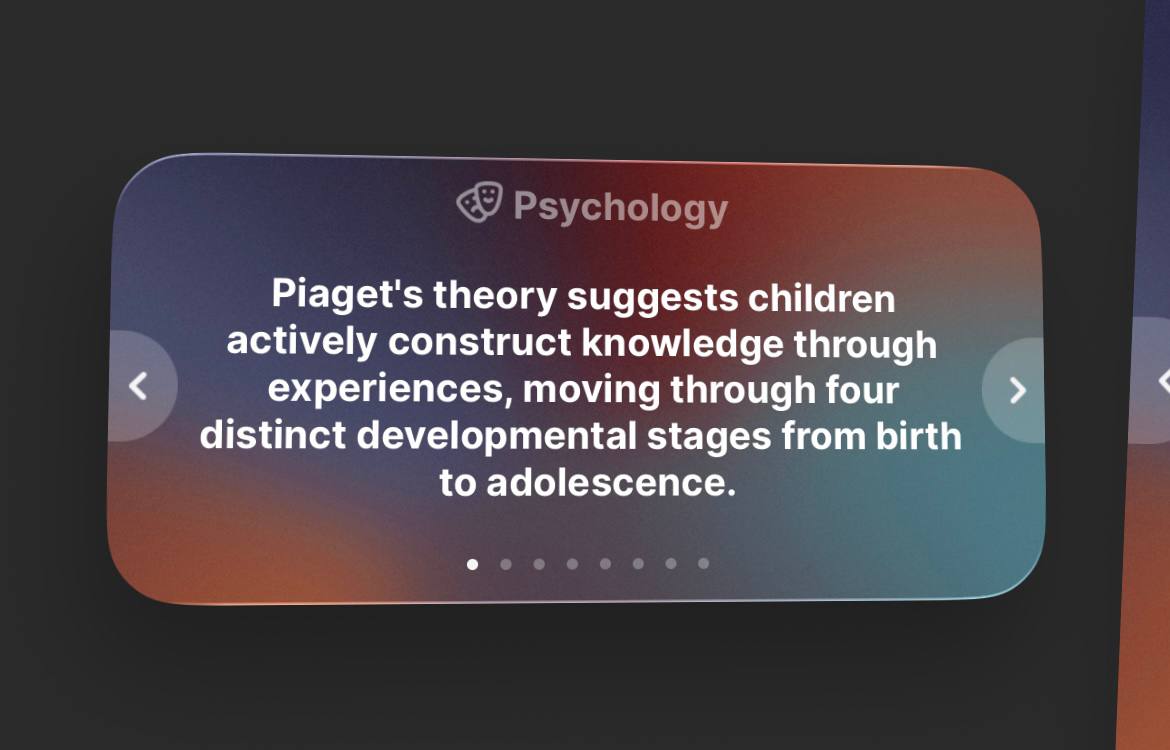
The widgets displayed educational facts and let users move between content items from the Home Screen without opening the app.
Native code handled platform presentation while Flutter supplied shared interaction and content-management logic.
Widget presentation
The same prepared content is presented in large and wide Home Screen layouts.
Offline rotation and application size
Educational facts were fetched in batches when the application opened and stored locally, allowing widgets to rotate prepared content for daily updates.
Widget actions were connected to background Dart callbacks using @pragma('vm:entry-point'), allowing Flutter-side logic to handle supported widget interactions.
This reduced unnecessary network requests, avoided duplicated content-management code, and supported offline rotation. I also worked on application size optimization, reducing the footprint by approximately 20 MB.
Project technology
Select a technology to see related projects.